WhatsApp Business App vs API: Which One for Your Store?
WhatsApp Business app vs API for online stores: costs per message, linked devices, broadcasts, automation, keeping your number and when to switch.
 Nicolas ProvostMay 19, 2026 · 13 min read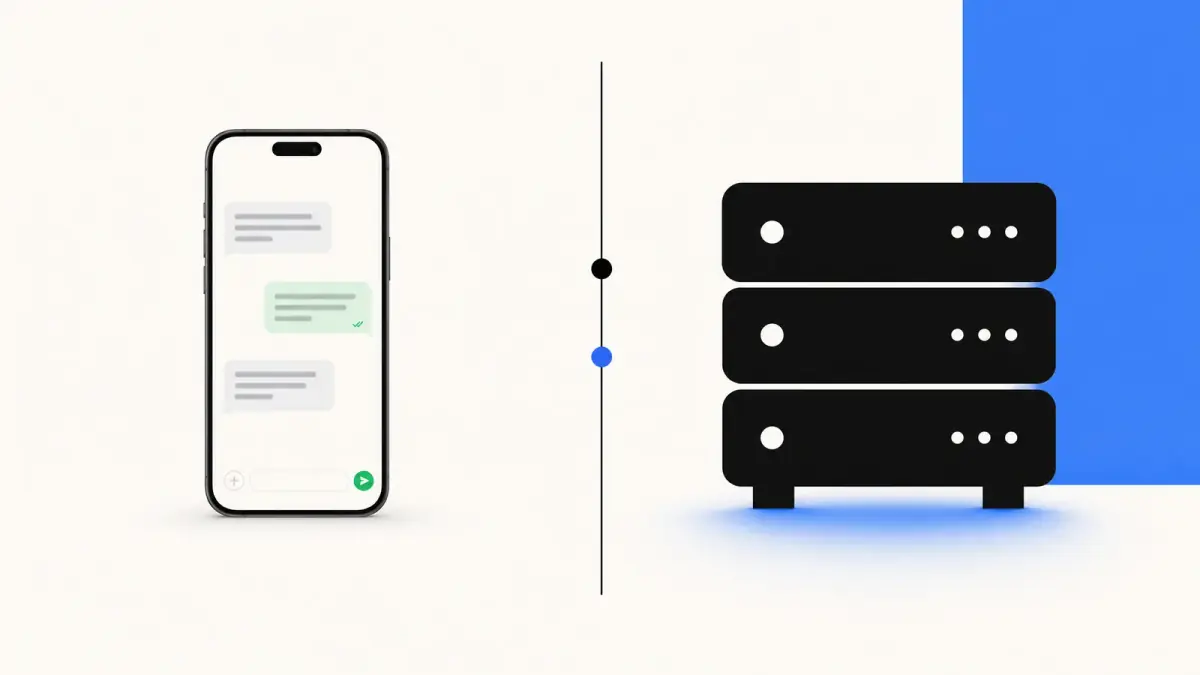
Summarize this article with an AI
 ChatGPT
 Claude
Table of contents (14)
Key takeaways
- The WhatsApp Business app is free and runs on one phone with up to four linked devices; WhatsApp points businesses with large volumes of conversations to the API.
- Broadcast lists in the app only reach customers who saved your number, and the app has no connection to your store, so no automatic cart reminders or order updates.
- On the API you pay Meta per delivered message, $0.0859 for a marketing message in France, plus a platform plan from $89 a month with Kanal.
- You can keep your number: Meta lets a partner connect a WhatsApp Business app number to the API, with the last six months of chats synchronized.
If you sell online and you are weighing the WhatsApp Business app against the WhatsApp Business API, the choice decides what WhatsApp can do for your store: answering chats by hand from a phone, or sending cart reminders, order updates and campaigns automatically from your store data.
This guide compares the two on cost, features, team use and automation, with what Meta and WhatsApp say about each, then explains how to move from the app to the API without losing your number. Every fact below comes from Meta's and WhatsApp's own pages, read on October 24, 2026.
If you already know you need the API, Kanal connects it to your Shopify store. If you are still deciding, keep reading.
The fundamental difference in 30 seconds
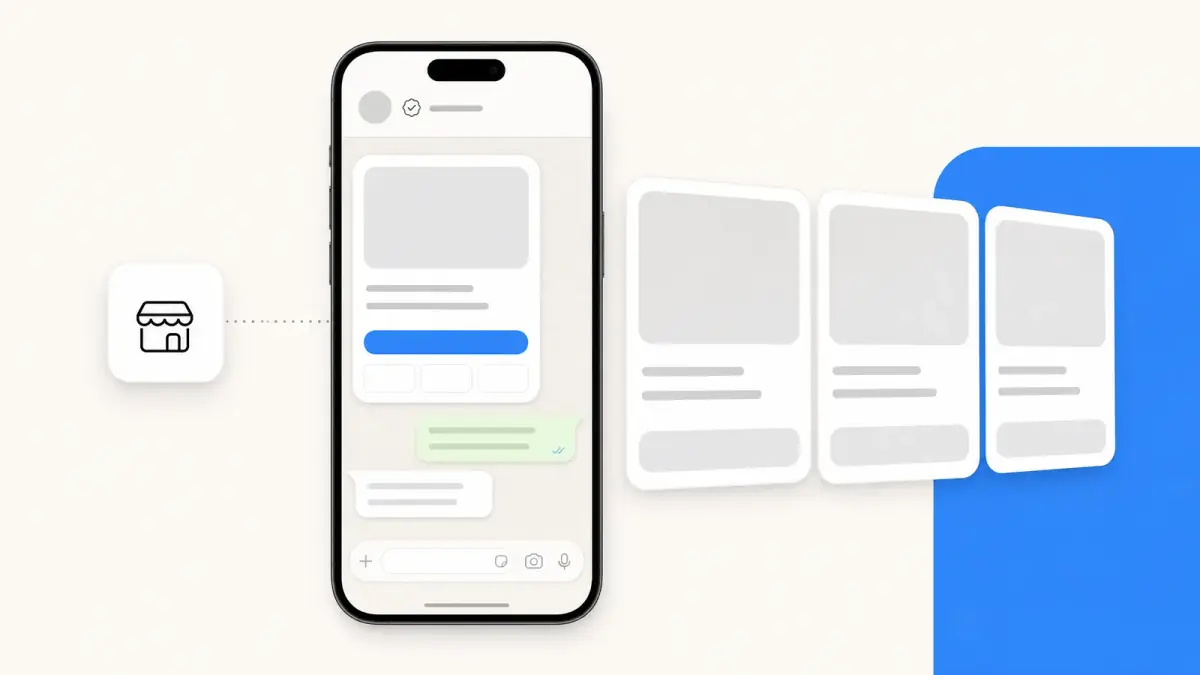
The WhatsApp Business app is a free mobile app for small businesses. It runs on one phone, with up to four linked devices (web, desktop or other phones), and gives you a business profile, a catalog, labels, quick replies, greeting and away messages (WhatsApp Help Center).
The WhatsApp Business API (Meta calls it the WhatsApp Business Platform) is how software sends and receives WhatsApp messages. There is no app to install: you work from a platform such as Kanal, which connects WhatsApp to your store, your inbox and your other tools.
WhatsApp draws the line itself: the app lets a small business reach hundreds of customers from a single device, while medium and large businesses use the platform to manage large volumes of conversations, directly or through a solution provider (About WhatsApp Business products).
Think of the app as a phone line for one person. The API is closer to a CRM: built for teams, automation and store data. Our comparison of the best WhatsApp CRM tools shows what that looks like day to day.
WhatsApp Business app: who it is for
The app fits a store when most of these are true:
- One person, or a very small team, answers the messages
- You send messages by hand, one conversation at a time
- Your customers have saved your number, so your broadcast lists reach them
- You do not need messages triggered by your store: no abandoned cart reminder, no order update
- You are testing whether your customers want to talk to you on WhatsApp
Solo founders, side projects and very early brands start here, and the catalog feature is a real upgrade from regular WhatsApp. At that stage the bigger question is often where to sell, which our Shopify vs Etsy comparison covers.
The limits come from how the app works:
- Devices: one phone and up to four linked devices at a time, and linked devices log out if the phone is not used for over 14 days (About linked devices on the WhatsApp Business app). Meta Verified plans raise the count, up to 10 linked devices on the most expensive one.
- Broadcasts: a broadcast list message only reaches customers who have saved your number in their address book (How to use broadcast lists on the WhatsApp Business app). To reach the others, WhatsApp lets you turn a broadcast into a marketing message, a feature called business broadcasts in some countries.
- Store data: the app has no connection to Shopify, so every order question means looking the order up by hand.
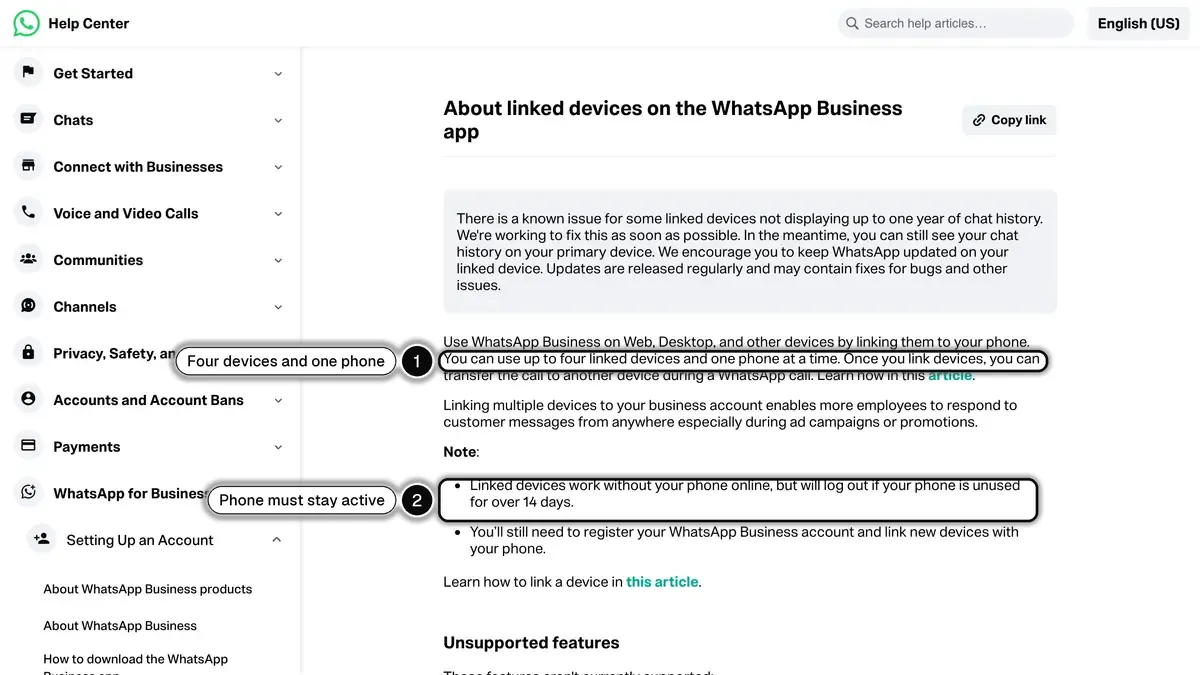
Source: WhatsApp Help Center, About linked devices on the WhatsApp Business app, read on October 24, 2026.
For a deeper look at the app on a computer, the WhatsApp Business web and desktop guide walks through every feature.
WhatsApp Business API: who it is for
The API fits a store when any of these is true:
- Several people answer customers, and each needs their own access
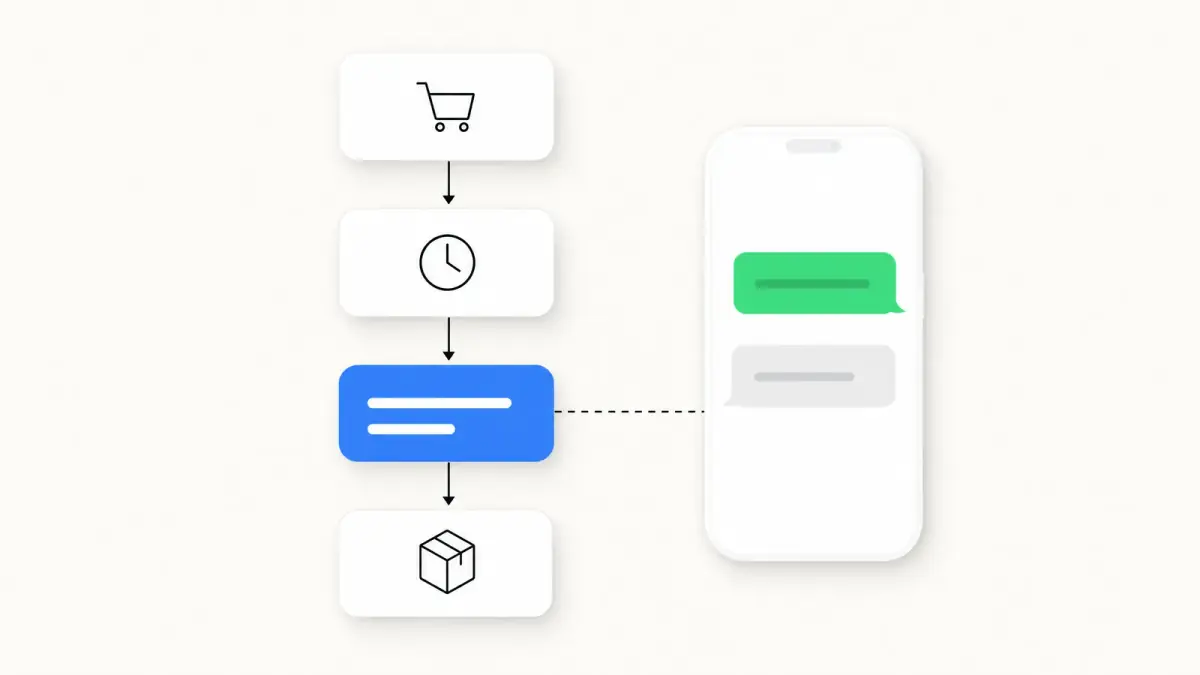
- You want messages triggered by your store: abandoned checkout, order confirmation, shipping update, back in stock
- You want to send campaigns to customers who opted in, whether or not they saved your number
- You want an AI agent to answer product and order questions
- You run click-to-WhatsApp ads and want the conversations to land in your inbox with the customer's data
- You sell in several countries and need templates in several languages
This is where WhatsApp becomes a sales channel rather than a support line: see the conversational commerce guide and the WhatsApp marketing guide.
You reach the API directly on Meta's Cloud API, which takes developer work, through a provider for developers, or through a Shopify app such as Kanal that sets up the Meta side and the templates for you.
Feature comparison table
| Feature | WhatsApp Business app | WhatsApp Business API |
|---|---|---|
| Cost | Free app | Meta fees per delivered message + platform plan (from $89/month with Kanal) |
| Devices and agents | One phone + up to 4 linked devices | Several agents in a shared inbox, through your platform |
| Bulk sends | Broadcast lists, received only by contacts who saved your number | Templates approved by Meta, sent to customers who opted in |
| Sending limits on templates | Not applicable | 250 unique customers per 24 hours at first, then 2,000 and more as you scale |
| Automation | Greeting and away messages, quick replies | Flows triggered by store events, AI agent |
| Shopify connection | None | Orders, carts and customers, through your platform |
| Template messages | Not used | Marketing, utility and authentication templates |
The API's sending limits come from Meta's messaging limits page: a new business portfolio can reach 250 unique customers per 24 hours outside customer service windows, then 2,000 after a scaling path such as business verification, then more automatically with good message quality. For a deeper look at how providers differ, see the WhatsApp Business API providers comparison.
Pricing comparison (with an example)
WhatsApp Business app: the app is free, and chats you send from it are not charged per message.
WhatsApp Business API pricing has two parts:
Meta message fees: Meta charges per delivered message, and the rate depends on the category and the recipient's country (Meta's pricing). List rates per delivered message in USD, from Meta's rate card effective October 1, 2026, read on Meta's rate calculator on October 24, 2026:
- Marketing message in the US: $0.0250 (Meta does not currently deliver marketing templates to US phone numbers)
- Utility message in the US: $0.0034
- Marketing message in France: $0.0859
- Utility message in France: $0.0300
- Marketing message in the UK: $0.0635
- Marketing message in Brazil: $0.0625
- Marketing message in India: $0.0118
- Service messages (your replies inside the 24-hour customer service window): not charged until September 30, 2026. Since October 1, 2026, the first 1,000 per business phone number each month are free, then each one costs the utility rate of the customer's country.
Platform fees: a monthly subscription that varies by provider. With Kanal, plans start from $89/month on the Shopify App Store, and Meta's fees are passed through at cost.
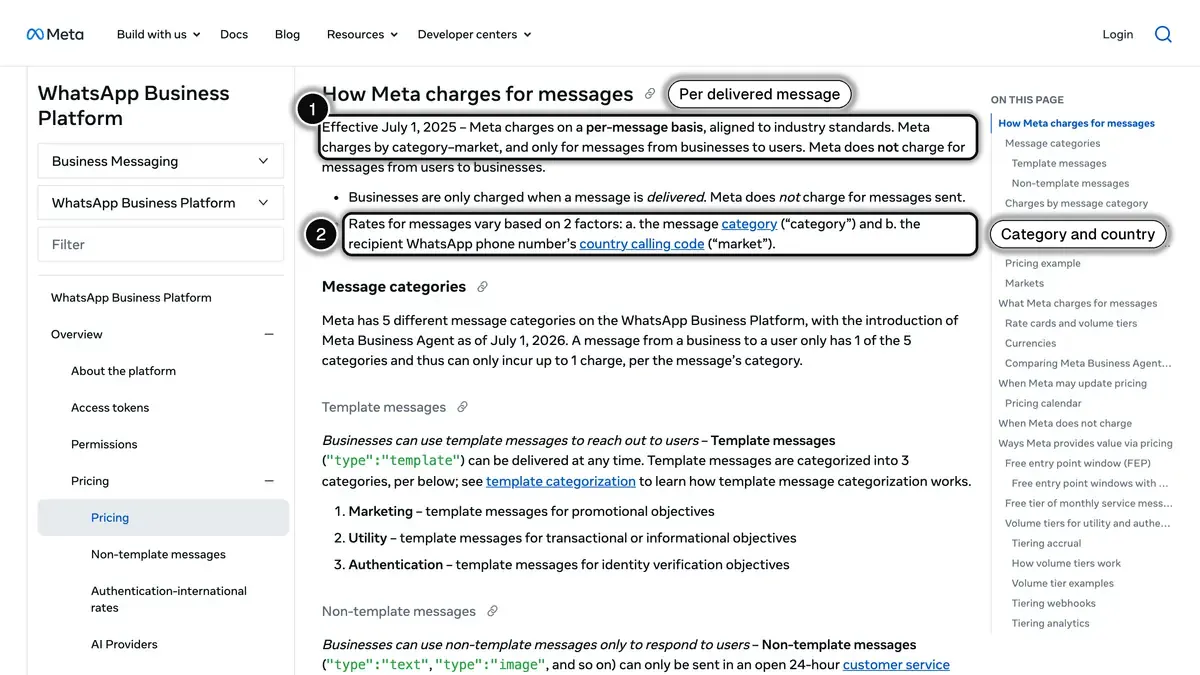
Source: Meta, Pricing on the WhatsApp Business Platform, section "How Meta charges for messages", read on October 24, 2026.
Example: a store in France sending 10,000 marketing messages and 2,000 service replies in a month
The volumes are illustrative: replace them with your own. With Kanal's Pro plan at $89/month, 10,000 marketing messages at $0.0859 cost $859, and of the 2,000 service replies the first 1,000 are free and the other 1,000 cost $0.0300 each, so $30. The total comes to $978 for the month. Weigh it against the revenue your abandoned cart flow recovers, measured against a holdout group.
For rates by country and how to model your monthly bill, see the WhatsApp Business pricing guide.
Automation and integrations
Automation is where the app and the API differ most.
App automation: greeting messages for first contacts, away messages when you are offline, and quick replies you insert while typing. Everything else is done by hand.
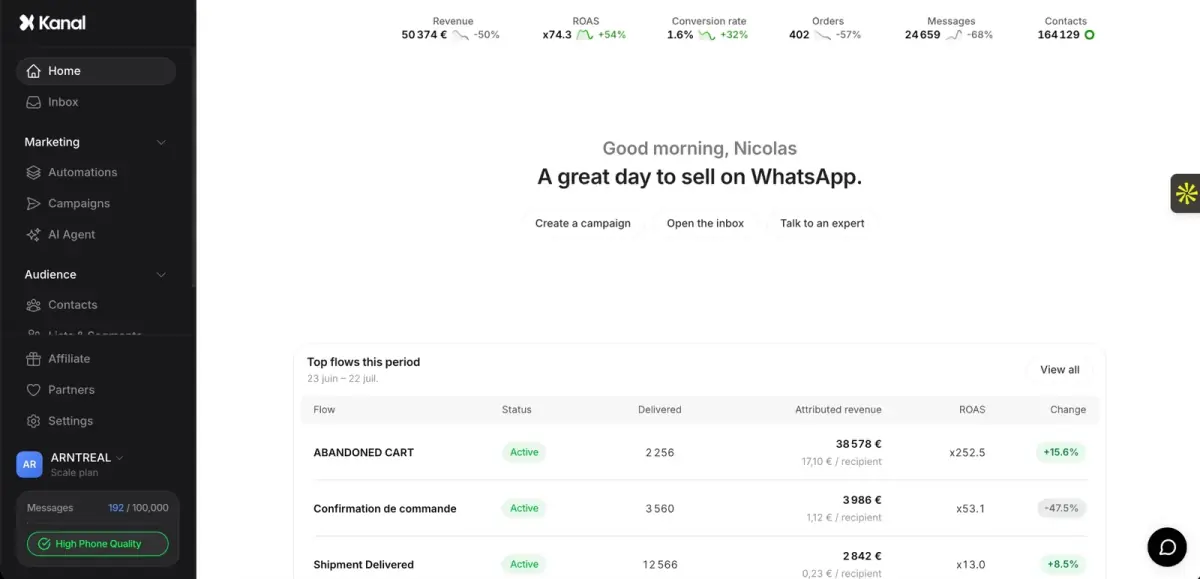
API automation: flows that start from store events (checkout abandoned, order placed, order shipped), an AI agent that answers product and order questions, and connections to your other tools. With Kanal, that means WhatsApp automations built on Shopify events, an AI chatbot that answers from your catalog and policies, Klaviyo segments and flows that can send WhatsApp messages, and Gorgias or Zendesk for support tickets.
If you want to send a review request after delivery, a reminder when someone abandons a checkout, or an order confirmation on WhatsApp, you need the API. The app cannot trigger either from your store.
The WhatsApp automatic message guide covers the automation playbook, and the chatbot WhatsApp e-commerce guide shows the AI side. For automations beyond WhatsApp, see our comparison of Shopify automation apps.
Multi-user and team support
App: one WhatsApp account shared across the phone and up to four linked devices. Everyone on a linked device works in the same account.
API: the platform provides the inbox. In Kanal, several agents work one WhatsApp number from a shared inbox, assign conversations, leave internal notes, use quick replies and see the customer's Shopify orders next to the chat. If your team works in a helpdesk, the conversations can go to Gorgias or Zendesk instead.
When more people need to answer than the app's devices allow, or when you need to know who answered what, the API is the answer.
When to move from the app to the API
Plan the move when any of these is true:
- You miss messages or answer late because everyone works from the same account.
- Your broadcasts do not reach everyone, because many customers never saved your number. Approved templates on the API reach the customers who opted in, which is where WhatsApp broadcast on the API takes over.
- Your team is growing beyond what the linked devices allow.
- You want WhatsApp to react to your store: abandoned checkouts, orders, shipments, back in stock.
- You run click-to-WhatsApp ads and want the conversations, the replies and the sales in one place.
- You sell in several countries and need templates in several languages.
The WhatsApp broadcast guide explains how sending works on the API once you move.
Migration: how to move from the app to the API
Meta offers two ways.
Keep the app on the same number
Meta lets a partner connect a WhatsApp Business app number to the Cloud API, a setup support teams often call coexistence. According to Meta's documentation:
- you keep answering one-to-one chats in the app, and messages are mirrored between the app and the API;
- chats from the most recent 6 months and your contacts can be synchronized, group chats are not;
- broadcast lists in the app are disabled, and existing ones become read-only;
- messages you send from the app stay free, messages sent through the API follow API pricing;
- the number is limited to 20 messages per second.
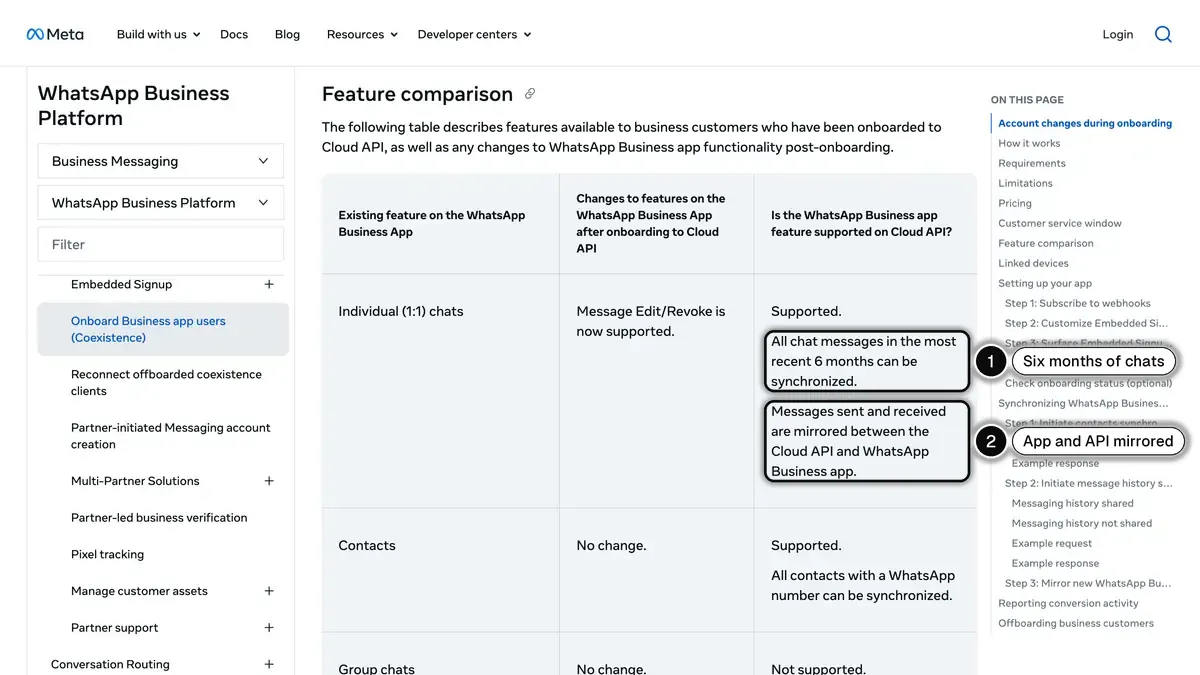
Source: Meta for Developers, Onboard WhatsApp Business app users, section "Feature comparison", read on October 24, 2026.
Ask your platform whether it supports this onboarding before you start.
Use a number dedicated to the API
The other way is a number used on the API only, often a new one, while the app keeps its own number. Before you move a number you already use:
- Back up and export the chats you need: run a WhatsApp backup and export important conversations.
- Verify your business with Meta in the Security Center of Meta Business Suite: it is also one of the paths to a higher messaging limit.
- Re-import your opted-in contacts: with Kanal, Shopify customers sync automatically, and consent comes from your pop-ups, widget, QR codes or a CSV import with consent (opt-in and GDPR guide).
- Submit your templates for Meta's approval and test every flow before announcing the change.
Either way, you land on Meta's Cloud API: the On-Premises API has ended, as our WhatsApp Cloud API vs on-premise post explains.
Three store profiles
A solo founder answering a few chats a day. Stay on the app. Use the catalog, set up greeting and away messages, and add a click-to-chat link to your storefront. Move when you want cart reminders or a second person answering.
A small team answering every day, no campaigns yet. Move to the API. A shared inbox stops missed messages, and abandoned cart recovery is usually the first flow to turn on. On Kanal, the Pro plan covers one user, and the Scale plan adds users, segments and the Klaviyo integration.
A brand with a marketing team running click-to-WhatsApp ads. The API, without question. The choice is which platform: compare the shared inbox, the Shopify data in each conversation, the flows and the reporting, then measure the channel's revenue with a holdout group before you scale spend.
Conclusion: pick based on what you need WhatsApp to do
Do not stay on the app only because the API has a monthly cost. The app cannot send cart reminders, order updates or campaigns to customers who never saved your number. If WhatsApp should bring in sales, compare the plan price with the revenue your cart recovery flow brings back.
If you answer a few chats by hand, the app is fine. If you want WhatsApp to react to your store, or several people answer, the API is the right call today.
Kanal is built for Shopify stores making this decision: set up in 5 minutes, with a demo to map the flows that matter for your store. Compare it with the alternatives in our best WhatsApp apps for Shopify roundup.
Resources
- WhatsApp Business API guide
- WhatsApp Business templates
- WhatsApp customer support for Shopify
- ROAS break-even calculator
Official sources: Meta's WhatsApp Business Platform documentation and the WhatsApp Help Center.
See Kanal on your own store
- Your campaigns and cart reminders on WhatsApp, starting from your own store
- Post-purchase offers, back-in-stock alerts, then the AI agent that advises your customers
- You leave with the plan that fits and its price
From €89/month
- brands
- 500+
- to set up
- 5 min
- open rate on WhatsApp
- +90%
Nicolas helps e-commerce brands grow revenue with WhatsApp marketing. With deep expertise in Shopify ecosystems and conversational commerce, he shares proven strategies for abandoned cart recovery, broadcast campaigns, and AI-powered customer engagement.