WhatsApp Broadcast: Lists, Limits and 6 Message Samples
WhatsApp broadcast lists hold 256 contacts, and some countries now cap the app at 35 free broadcasts a month. 6 message samples and how stores go past it.
 Nicolas ProvostMar 25, 2026 · 14 min read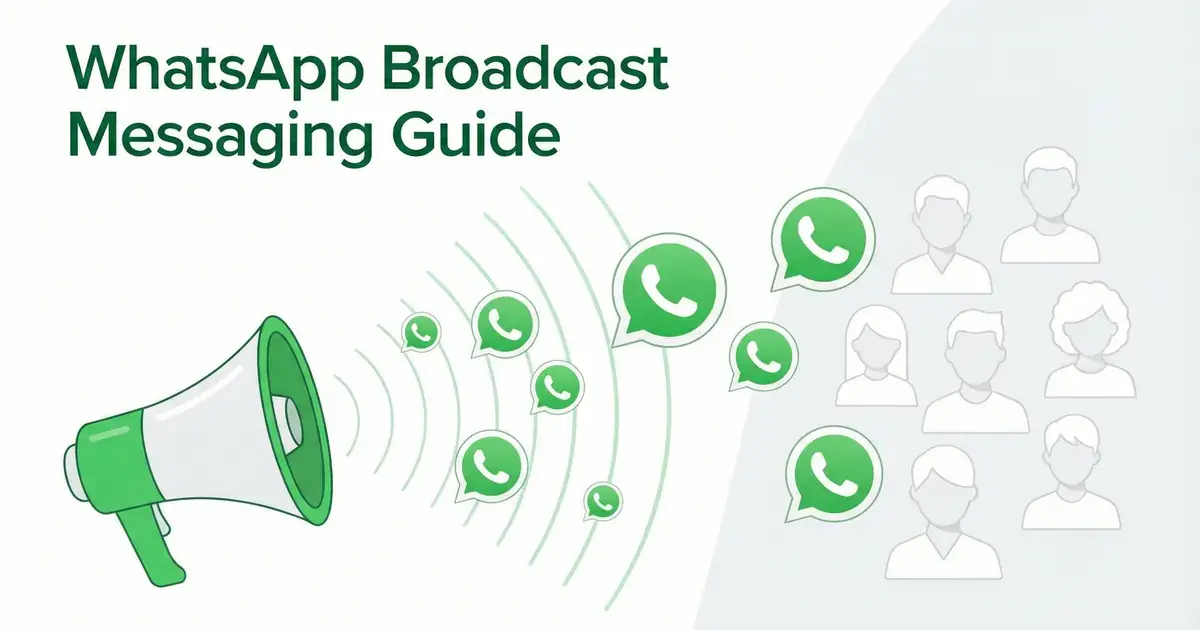
Summarize this article with an AI
 ChatGPT
 Claude
Table of contents (45)
Key takeaways
- A WhatsApp broadcast sends one message to many contacts as individual chats, and recipients do not see each other.
- In the app, a list holds 256 contacts at most and only reaches people who saved your number.
- Where WhatsApp applies its monthly limit, 35 broadcast messages per month are sent at no charge.
- Through the WhatsApp Business API, Kanal sends approved template broadcasts to opted-in customers who have not saved your number, segmented with Shopify data.
WhatsApp broadcast lets you send one message to multiple contacts at once, without creating a group. For e-commerce brands, it's a direct way to reach customers with promotions, product launches, and personalized offers.
This guide covers everything: how to create broadcasts, the 256-contact limit and how to get past it, broadcast message samples you can copy, and scaling strategies with the WhatsApp Business API.
What Is a WhatsApp Broadcast?
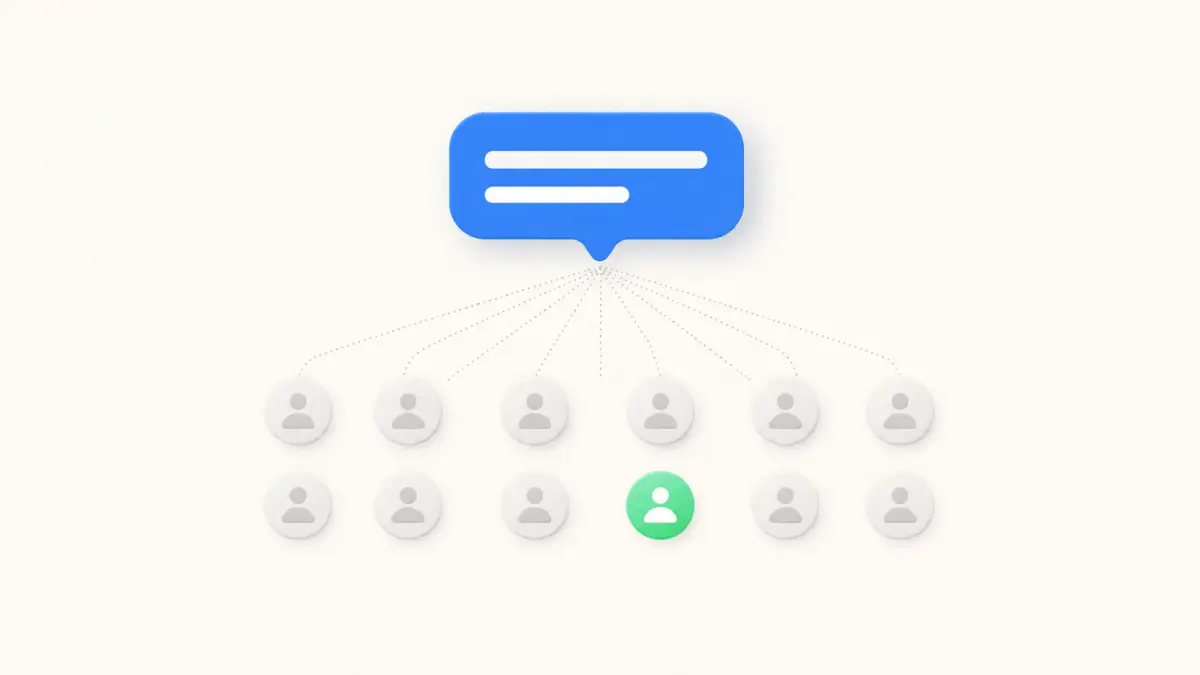
A WhatsApp broadcast is a one-to-many messaging feature that sends your message individually to each recipient. Unlike groups, recipients don't see each other and can reply privately.
Key characteristics:
- Messages appear as individual chats, not a group conversation
- Recipients must have your number saved in their contacts (on the free app)
- Replies are private: only you see them
- Maximum 256 contacts per broadcast list on WhatsApp Business app
- No list-size cap via the WhatsApp Business API: the volume depends on your Meta messaging limit (250 unique recipients per 24 hours for a new business portfolio, then 2,000, 10,000, 100,000 and unlimited)
How to Create a WhatsApp Broadcast List
On the WhatsApp Business app
WhatsApp's Help Center (read on October 24, 2026) gives these steps:
- On Android, tap Chats, open the menu and tap Broadcast lists. On iPhone, tap Settings (or your profile picture), then Broadcast messages, then New List
- Search for or select the contacts you want to add (up to 256)
- Create the list, type your message and send it
Important limitation: Recipients must have your number saved in their contacts. Otherwise, they won't receive the broadcast message. Broadcast lists are created on the phone: they are not supported on WhatsApp Web, Windows or Mac.
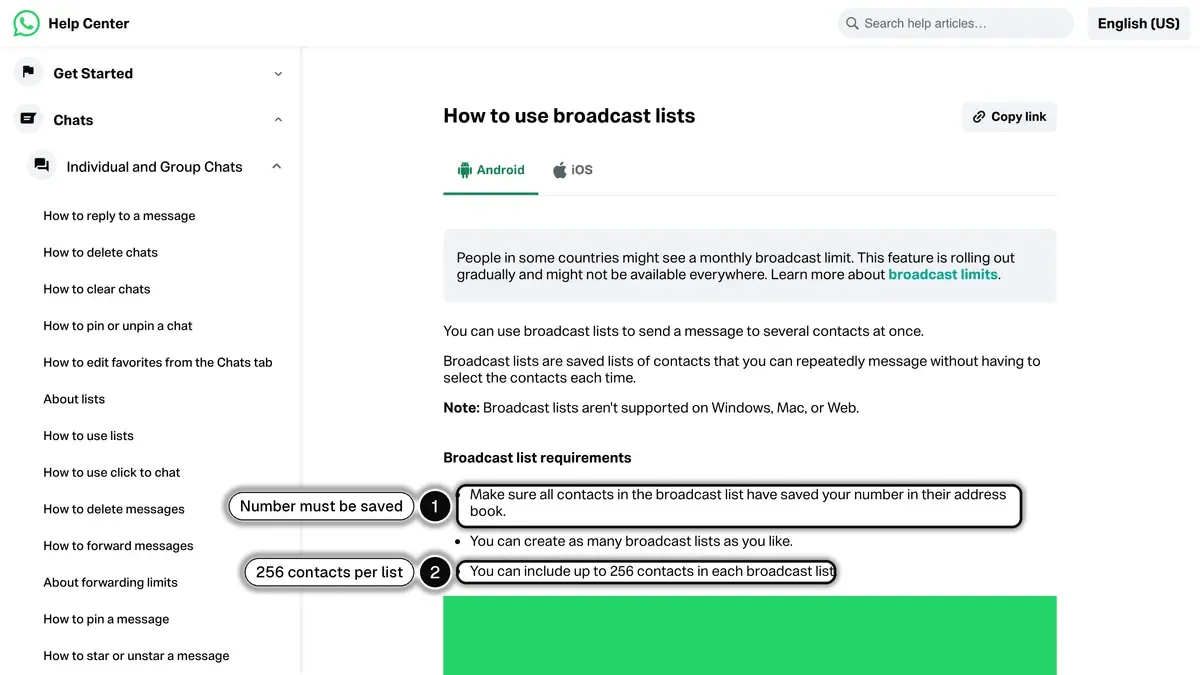 Source: WhatsApp Help Center, How to use broadcast lists, read on October 24, 2026.
On WhatsApp Business API (via Kanal)
With the WhatsApp Business API through Kanal, you can send broadcasts beyond the 256-contact cap, within your Meta messaging limit, without requiring contacts to save your number:
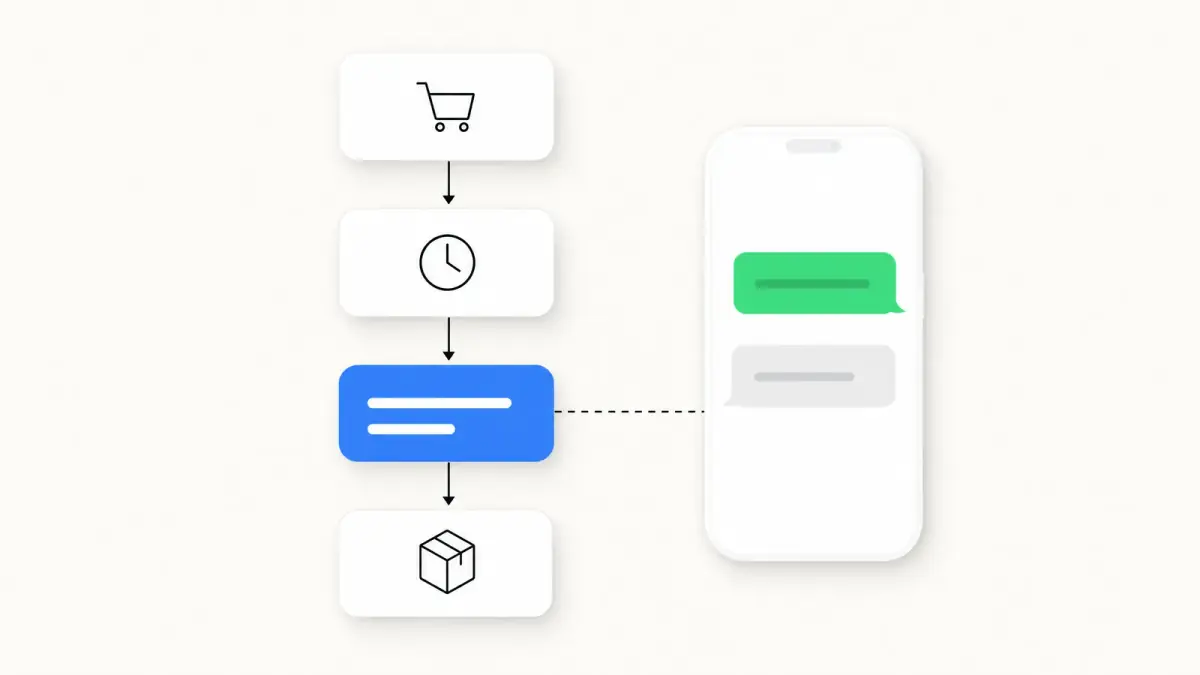
- Create a message template in your Kanal dashboard (our WhatsApp Business templates guide has examples to adapt)
- Submit it for Meta approval (a review can take up to 24 hours, per Meta's template review documentation)
- Segment your audience with Shopify and WhatsApp data: number of orders, orders over a period, country of the phone number, read or clicked messages
- Schedule or send the campaign
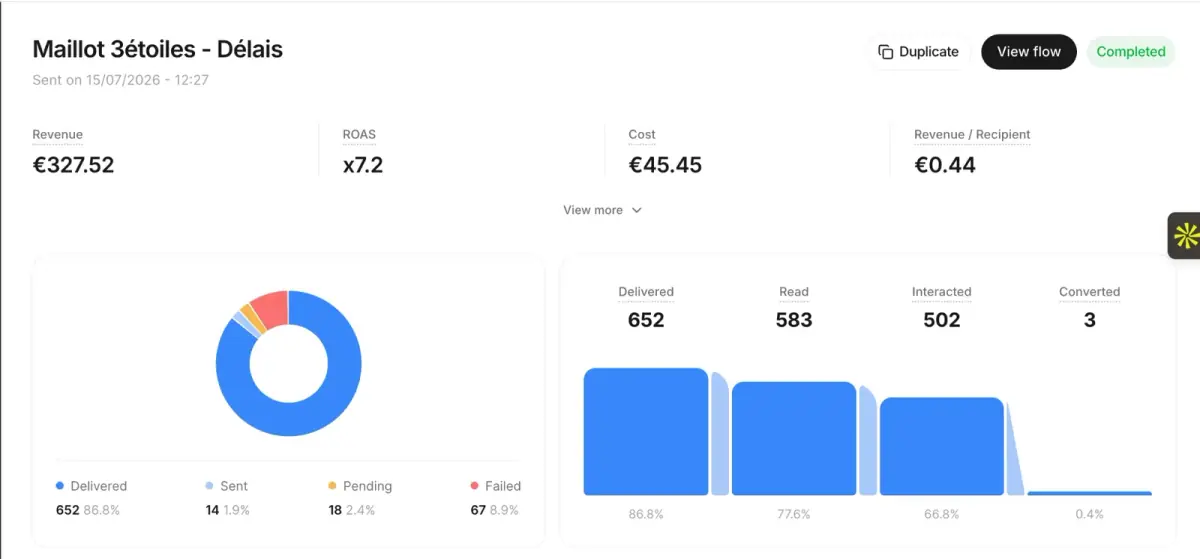
- Track delivered, read and reply rates and the revenue attributed to each broadcast
WhatsApp Broadcast vs Group: Key Differences
| Feature | Broadcast | Group |
|---|---|---|
| Privacy | Recipients don't see each other | All members see each other |
| Replies | Private to sender | Visible to all members |
| Contact limit (app) | 256 | 1,024 (WhatsApp Help Center) |
| Contact limit (API) | Your Meta messaging limit (250 per 24 hours at the start, up to unlimited) | N/A |
| Must save number | Yes (app) / No (API) | No |
| Admin control | Full | Shared |
| Use it for | Marketing campaigns | Community building |
For marketing purposes, always use broadcasts over groups. Groups can feel spammy and violate privacy expectations. Broadcasts maintain the personal 1-to-1 feeling that drives engagement.
How to Get Past the 256-Contact Limit
The WhatsApp Business app limits broadcast lists to 256 contacts. Here's how to scale:
Option 1: Multiple broadcast lists (manual)
Create multiple broadcast lists of 256 contacts each. Tedious, and only workable for a small contact list.
One caveat: WhatsApp is introducing a monthly broadcast limit in some countries. Where it applies, the Help Center gives 35 broadcast messages per month at no charge, and you can check your count under Settings, then Broadcasts (About broadcast limits, read on October 24, 2026).
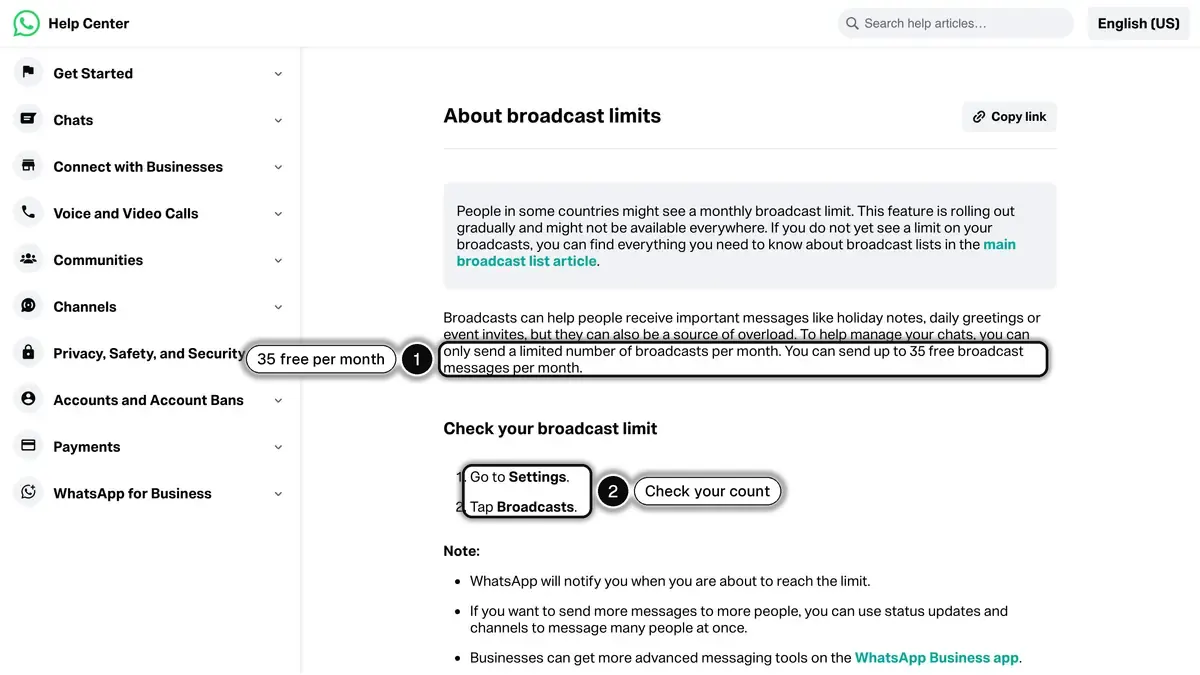 Source: WhatsApp Help Center, About broadcast limits, read on October 24, 2026.
Option 2: Paid broadcasts in the WhatsApp Business app
In some countries, the WhatsApp Business app offers paid marketing messages, which WhatsApp now calls business broadcasts: you compose a message with a photo or video and a button, pick the audience from your contacts and lists, then send or schedule it, and Meta reviews the message before it goes out (How to create and send a marketing message, read on October 24, 2026). It remains a manual tool tied to one phone, without your store's data.
Option 3: WhatsApp Business API (Recommended)
The WhatsApp Business API removes the 256-contact limit entirely. With platforms like Kanal:
- Send to as many opted-in contacts as your Meta messaging limit allows
- No need for contacts to save your number
- Templates approved by Meta, required to message outside the 24-hour window
- Segmentation based on Shopify orders and WhatsApp engagement
- Analytics to track reads, clicks, and revenue
Meta counts the messaging limit in unique recipients outside the customer service window, over a moving 24-hour period, for the whole business portfolio. A new portfolio starts at 250; completing a scaling path, such as verifying your business, raises it to 2,000, and it then grows automatically to 10,000, 100,000 and unlimited while your messages stay high quality and you use at least half of your current limit over 7 days.
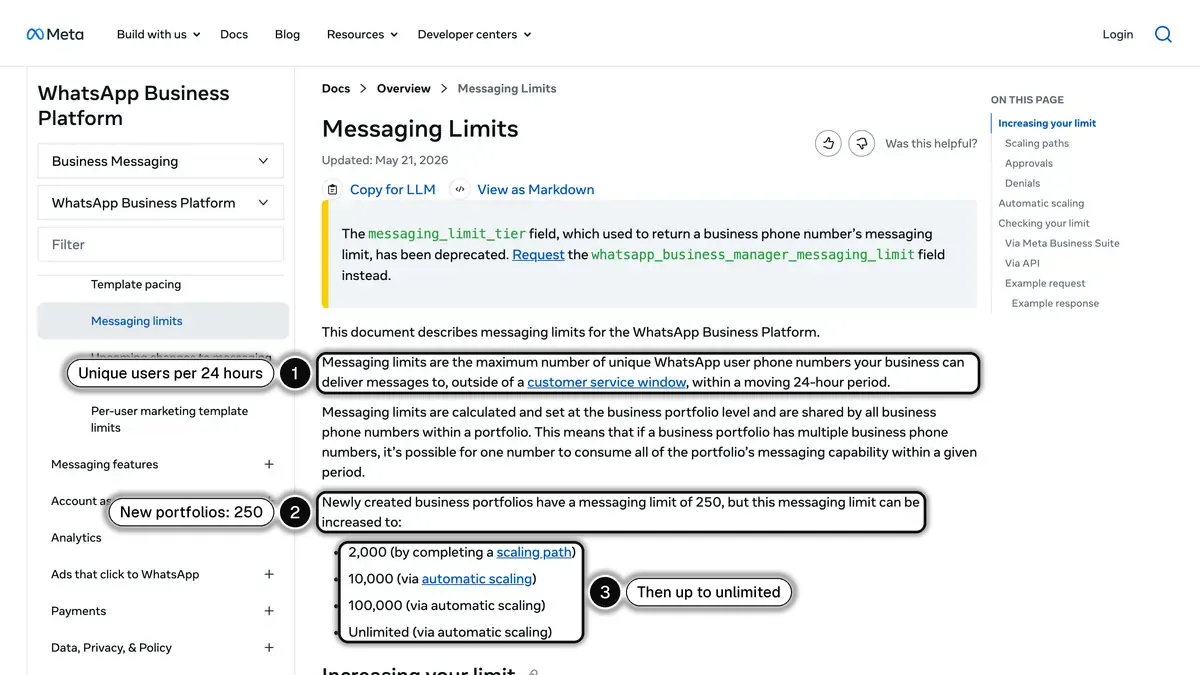 Source: Meta for Developers, Messaging Limits, read on October 24, 2026.
WhatsApp Broadcast Best Practices
1. Segment Your Audience
Don't send the same message to everyone. In Kanal, build segments on:
- Number of orders: first-time buyers get a second-order offer, repeat customers get early access
- Orders over a period: recent buyers vs customers who have not ordered in months
- Country of the phone number: country-specific promotions and shipping info
- WhatsApp engagement: customers who read or clicked your last campaign vs dormant subscribers
With the Klaviyo integration, you can also pick a Klaviyo segment as the audience.
2. Personalize Every Message
Use dynamic variables to personalize:
- Customer's first name
- Last purchased product
- Cart contents (for abandoned cart recovery)
3. Time Your Sends Strategically
There is no official best time to send. Test send times on your own list, in each customer's time zone, and keep what works:
- Campaigns: compare a daytime send with an evening send on two halves of the same segment
- Flash sales: send shortly before the sale starts, not days ahead
- Cart reminders: a first reminder soon after abandonment, a second one later
- Back-in-stock alerts: as soon as inventory is replenished, while the customer still wants the product
- Black Friday: plan templates and segments weeks ahead, as in our Black Friday WhatsApp playbook
4. Include Clear CTAs
Every broadcast should have a single, clear call-to-action:
- "Shop Now" button linking to your product page
- "Complete Your Order" for cart recovery
- "Get 20% Off" for promotional campaigns
- "Track Your Order" for order notifications
5. Respect Opt-in/Opt-out
Always provide an easy way to unsubscribe. This isn't just good practice: the WhatsApp Business Messaging Policy (last updated September 23, 2026) says you must respect all requests "to block, discontinue, or otherwise opt out" of your messages, including by removing the person from your contacts list. Meta can restrict or ban accounts that break the policy. Our WhatsApp opt-in guide covers consent under the GDPR.
WhatsApp broadcast message samples you can copy
The samples below are written for e-commerce. The first one is plain text, for a broadcast list in the app. The others use buttons, shown in square brackets, which require a template on the WhatsApp Business API.
Plain-text sample for a broadcast list
Hi {customer_name}, it's {your_name} from {store_name}.

Our winter collection is live, and subscribers get early access until Friday: {link}

Reply STOP if you'd rather not receive these messages.
Back in stock
Good news {customer_name}: {product_name} is back in stock.

It sold out fast last time, so we wanted you to know first.

[Get Yours]
Flash Sale Template
Hi {customer_name}! 🔥

Our biggest sale of the year starts NOW.

Up to 50% off everything for the next 24 hours.

[Shop the Sale] [Browse New Arrivals]
Cart Recovery Template
Hey {customer_name},

You left something amazing in your cart:
{product_name} : {product_price}

Complete your order now and get free shipping!

[Complete My Order]
New Product Launch
{customer_name}, you're first to know 👀

We just launched {product_name}, and we think you'll love it based on your purchase of {last_product}.

Limited stock available.

[Discover Now] [Save for Later]
VIP Exclusive
{customer_name}, this is VIP-only 🖤

As one of our top customers, here's your exclusive early access + an extra 15% off with code VIP15.

Valid for 48 hours.

[Shop VIP Access]
Remember the category: promotional broadcasts are marketing templates, billed at the marketing rate of each recipient's country. For more templates and automated flows, see our WhatsApp campaign builder.
Broadcast Analytics: What to Track
With Kanal's analytics dashboard, monitor these KPIs. Your first broadcasts give you the baseline; compare each new send against it:
| Metric | How to calculate | If it moves the wrong way |
|---|---|---|
| Delivery Rate | Delivered / sent | Check contact quality, verify numbers with our number checker |
| Open Rate | Read / delivered | Improve first line (preview text) |
| Click-Through Rate | Clicks / delivered | Better CTA, stronger offer |
| Conversion Rate | Orders / clicks | Landing page optimization |
| Opt-out Rate | Opt-outs / delivered | Reduce frequency, improve relevance |
| ROAS | Attributed revenue / send cost | Better segmentation, higher-value offers |
Calculate your expected return with our ROAS calculator, and see our WhatsApp marketing ROI guide for the formulas behind each metric.
Common Broadcast Mistakes
Even with great copy, broadcasts can underperform when these mistakes creep in.
Sending to contacts who never saved your number
On the free app, broadcast messages only deliver to contacts who have saved your business number. If they haven't, your message silently fails. Always include a "save our number" CTA in your welcome flow before broadcasting.
Treating broadcasts like email blasts
Broadcasts in WhatsApp feel personal because each recipient sees the message as a one-on-one chat. Generic "Hi everyone" copy underperforms badly. Use merge fields ({first_name}, {city}, {last_product_viewed}) to keep the conversational tone.
Skipping the opt-in confirmation
Broadcast list members must have explicitly opted in to your messages. Without a documented opt-in (date and source), you risk blocks and reports, which damage your quality rating and can get your number restricted.
Sending too often
Daily broadcasts to the same list wear it out: opt-outs and blocks climb, and blocks hurt your quality rating. On the API, Meta's per-user marketing limit also holds back marketing messages to people who stopped engaging. Start with a modest cadence, raise it only while opt-outs stay flat, and match it to your purchase frequency.
Using only text
A text-only broadcast asks the customer to tap before they have seen the product. Include at least one product image or branded GIF (or a video or carousel), and check the difference in clicks on your own list.
No clear single call-to-action
Multiple CTAs ("Shop now / See offer / Browse / Contact us") create decision paralysis. Pick one primary action per broadcast.
Ignoring the 24-hour window
Replies to a broadcast open a 24-hour customer service window where you can answer with free-form messages, no template needed. Since October 1, 2026, Meta charges these service messages after 1,000 free per business phone number each month. Without a follow-up, that window closes unused: answer from the shared inbox, or let an AI agent handle the questions.
How to Search and Manage Broadcast Lists
Editing a broadcast list
- Android: from the Chats tab, tap your broadcast list, open the menu, then Broadcast list info. Tap Edit recipients to add or remove contacts
- iPhone: tap Settings (or your profile picture), then Broadcast messages, then the "i" icon next to the list, then Edit list...
Deleting a broadcast list
- Android: open the list, then Broadcast list info > Delete broadcast list
- iPhone: in Broadcast messages, swipe left on the list
Broadcast list limitations
- You can create as many broadcast lists as you like
- Each list maxes at 256 contacts
- No scheduling: messages send immediately (the app's paid marketing messages can be scheduled)
- No analytics: you can't track opens or clicks
For scheduling, segmentation, and analytics, upgrade to Kanal's WhatsApp Business API.
FAQ
How many contacts can I add to a WhatsApp broadcast?
On the WhatsApp Business app, maximum 256 contacts per broadcast list. Via the WhatsApp Business API (through platforms like Kanal), there is no list size: volume follows your Meta messaging limit, from 250 unique recipients a day for a new business portfolio up to unlimited.
Can I send a broadcast if the contact hasn't saved my number?
On the free WhatsApp Business app, no, the recipient must have your number saved. Via the WhatsApp Business API, yes, you can send template messages to any opted-in contact regardless.
How do I know if someone read my broadcast?
On the free app, you can see delivery and read receipts for individual chats, and our guide to WhatsApp read receipts and blue ticks explains what each tick state actually proves. With Kanal's analytics, you get delivered, read and reply rates for each broadcast, plus the revenue attributed to it.
What is a good WhatsApp broadcast message sample?
A good broadcast message is short, names the customer, makes one offer and ends with one action. For example: "Hi Sarah, our winter collection is live. As a subscriber you get early access until Friday: [link]. Reply STOP to unsubscribe." On the free app you send it as plain text to a broadcast list. On the WhatsApp Business API it becomes a template with a button.
Is there a limit on how many broadcast messages I can send?
On the WhatsApp app, a broadcast list holds up to 256 contacts and you can create as many lists as you like. WhatsApp is also rolling out a monthly limit in some countries: where it applies, its Help Center gives 35 broadcast messages per month at no charge (read on October 24, 2026). On the WhatsApp Business API there is no list size, and Meta charges each delivered marketing message.
Is WhatsApp broadcast the same as WhatsApp newsletter?
They're similar concepts. A "broadcast" is the technical feature. A "WhatsApp newsletter" is a regular broadcast series sent on a schedule. With the WhatsApp Business API, you can schedule automated newsletter-style broadcasts.
Can I send broadcasts to international numbers?
Yes. WhatsApp works globally. With the API, you can target customers in any country. Keep in mind that Meta charges each delivered template message at a rate set by the recipient's country and the template category (promotional broadcasts are marketing templates), detailed in the official pricing documentation and in our WhatsApp Business pricing guide.
Conclusion
WhatsApp broadcast lets you reach your e-commerce customers with personalized, rich media messages in the app they already use to chat. While the free app works for small businesses, the WhatsApp Business API through Kanal unlocks larger sends, automation, and detailed analytics.
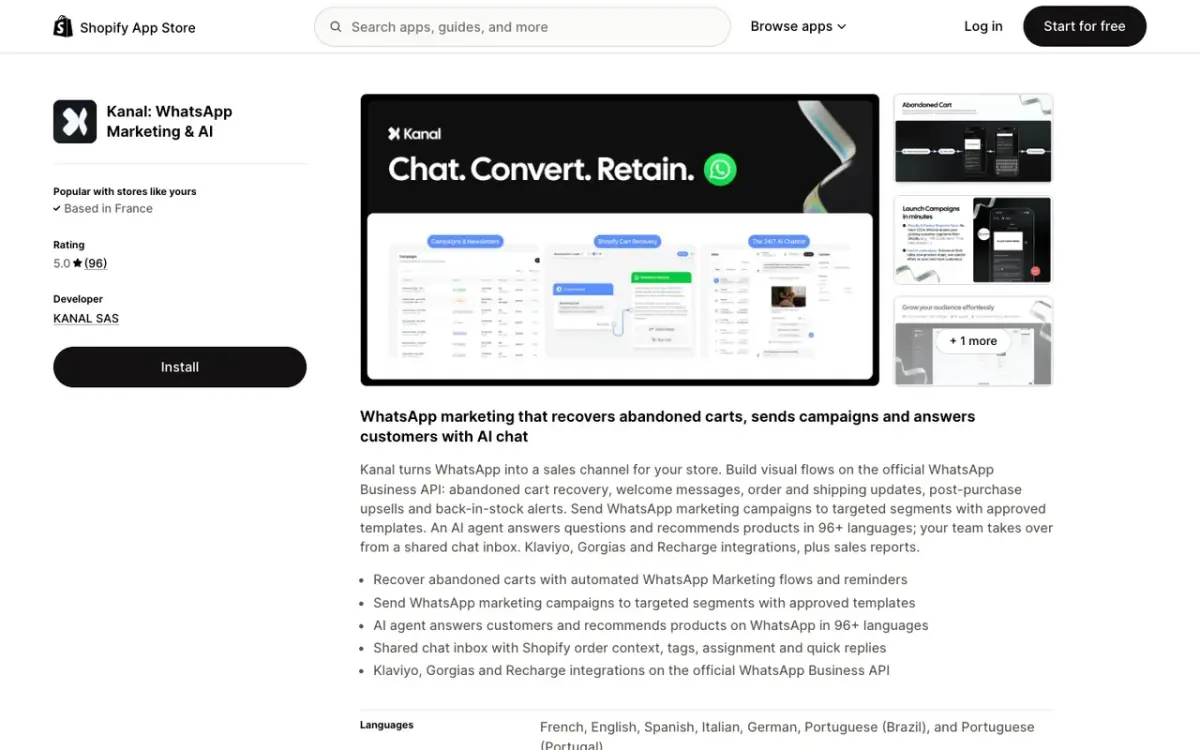
Start broadcasting to your customers today. Install Kanal on Shopify to send your first campaign, or book a demo to see the campaign builder in action on your store.
Create your click-to-chat link with our WhatsApp Link Generator to start growing your subscriber list.
Further Reading
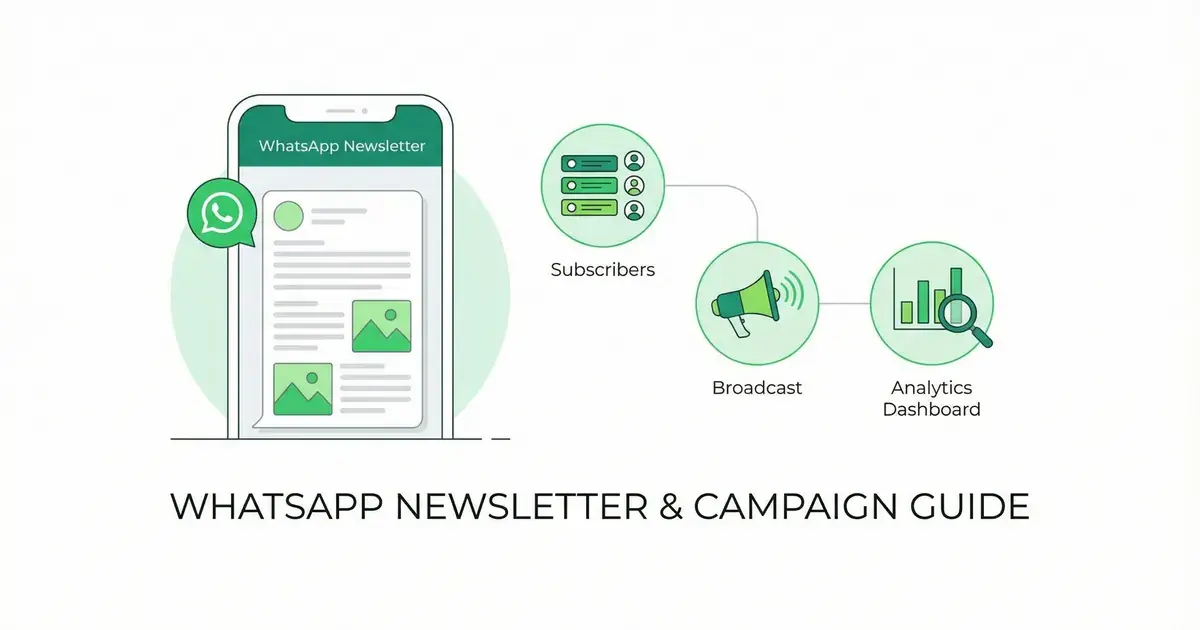
- WhatsApp Newsletter Guide: turn your broadcasts into a recurring newsletter strategy
- WhatsApp Business API Guide: understand the API that powers broadcasts at scale
- WhatsApp Marketing for E-commerce: the complete guide to WhatsApp commerce
- Best Shopify SMS Apps: compare messaging apps for your Shopify store
See Kanal on your own store
- Your campaigns and cart reminders on WhatsApp, starting from your own store
- Post-purchase offers, back-in-stock alerts, then the AI agent that advises your customers
- You leave with the plan that fits and its price
From €89/month
- brands
- 500+
- to set up
- 5 min
- open rate on WhatsApp
- +90%
Nicolas helps e-commerce brands grow revenue with WhatsApp marketing. With deep expertise in Shopify ecosystems and conversational commerce, he shares proven strategies for abandoned cart recovery, broadcast campaigns, and AI-powered customer engagement.